The Ultrawide Productivity Paradigm
For over a decade, the standard for a multi-tasking workspace was dual 16:9 monitors. The logic was sound: if one screen is good, two screens must be better. However, this setup inherently introduced a physical barrier—the bezels located dead-center in the user's field of vision. The advent of ultrawide monitors, specifically those employing 21:9 and 32:9 aspect ratios, has fundamentally shifted the productivity paradigm by eliminating this physical partition.
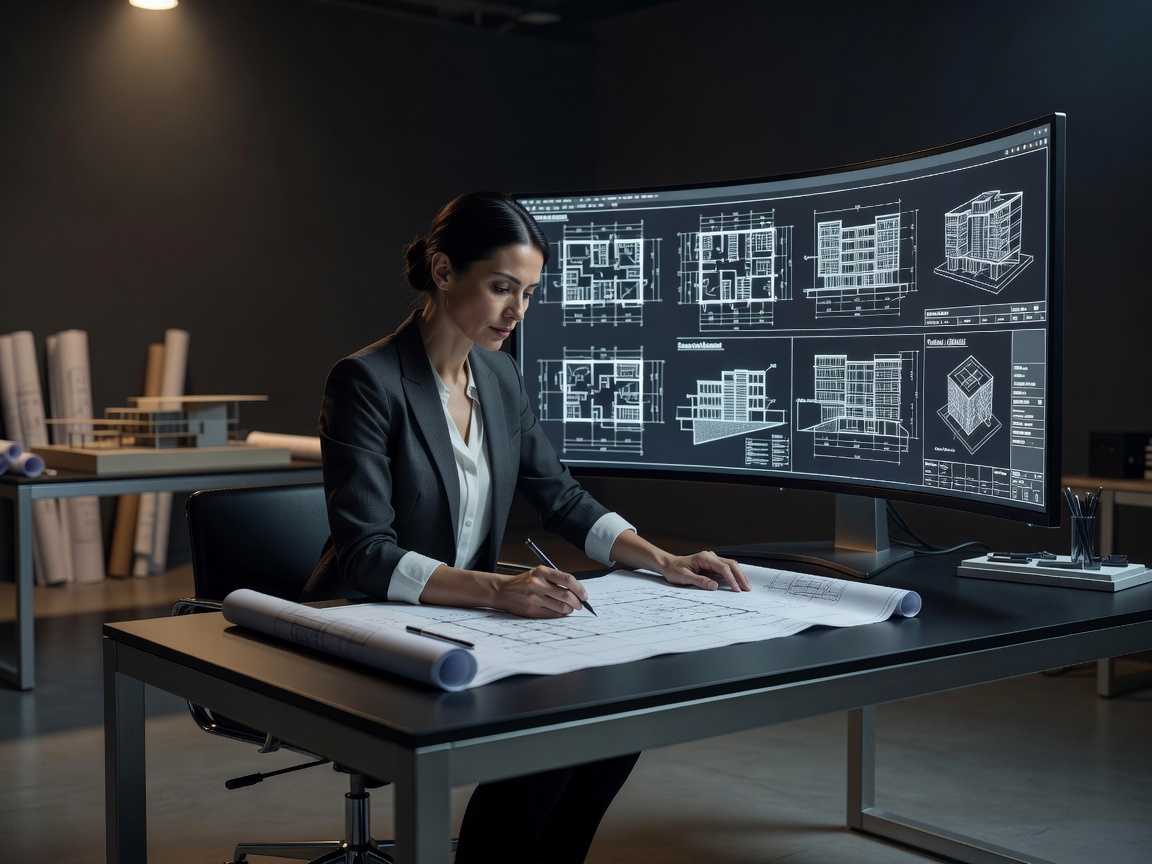
Understanding Aspect Ratios and Resolutions
To grasp the impact of ultrawides, one must understand the mathematics of aspect ratios. A traditional monitor uses a 16:9 ratio, typically rendering at 1920x1080 (Full HD) or 2560x1440 (QHD). An ultrawide monitor expands horizontal space while maintaining vertical height. A 21:9 monitor at 3440x1440 resolution provides approximately 34% more horizontal real estate than a standard 16:9 QHD monitor.
The "super ultrawide" format takes this further. A 32:9 monitor at 5120x1440 is the mathematical equivalent of two perfectly fused 27-inch 1440p monitors, lacking any dividing bezel. This massive pixel count demands robust graphic processing, not for rendering 3D environments as in gaming, but simply to push over 7 million pixels at high refresh rates for smooth scrolling and window management.
The Ergonomic Argument Against Dual Screens
Dual monitors force a compromise in workspace geometry. A user must either place one monitor directly in front (acting as primary) and angle the secondary monitor to the side, causing chronic neck rotation, or place the junction of the two monitors in the center, ensuring the user is always looking slightly left or right. Ultrawide monitors solve this by allowing the primary application to sit squarely in the center of the user's vision, with secondary references mapped to peripheral zones.
Curve Radii Explained
Flat ultrawide monitors suffer from color shifting at the edges due to extreme viewing angles. Consequently, most ultrawides are curved. The curvature is measured in radius (R), with common specifications being 1800R, 1500R, and 1000R. A 1000R curve is aggressive—meaning the screen would form a complete circle with a 1-meter radius. This aggressive curve closely matches the natural curvature of the human eye, maintaining a consistent focal distance from the center to the extreme edges of the display, significantly reducing eye strain during prolonged spreadsheet analysis or timeline editing.
Software Integration and Window Management
The hardware is only half the equation. The absence of a physical bezel means users rely on software to snap windows into place. Operating systems have integrated sophisticated window management tools, but proprietary monitor software often provides grid overlays allowing users to define custom snap-zones—for example, a 50% central window flanked by two 25% vertical columns. This flexibility is impossible on rigid dual-monitor setups.
The Drawbacks
Adopting an ultrawide workflow is not without friction. Screen sharing during video conferences can be problematic, as sharing a 32:9 screen renders as a tiny, unreadable letterboxed strip on a colleague's standard 16:9 laptop. Users must adapt by sharing specific application windows rather than the entire desktop. Furthermore, full-screen video playback of traditional 16:9 content will result in pillarboxing (black bars on the left and right), which some users find distracting.
Conclusion
The shift to an ultrawide monitor is an investment in uninterrupted digital real estate. By centralizing focus and removing physical bezel barriers, the 21:9 and 32:9 formats offer a superior, unified workspace. As display technology scales in density and curvature precision refines, the ultrawide format is cementing itself as the definitive choice for data analysts, video editors, and power users.