Architecting Ergonomic Setups
The greatest display panel on the market becomes a physical liability if positioned incorrectly. A workspace's geometry directly impacts musculoskeletal health over long sessions. Poor monitor placement forces the cervical spine out of alignment, resulting in neck strain, tension headaches, and shoulder fatigue. Ergonomics is the science of designing the workspace to fit the user, rather than forcing the user to adapt to rigid hardware.
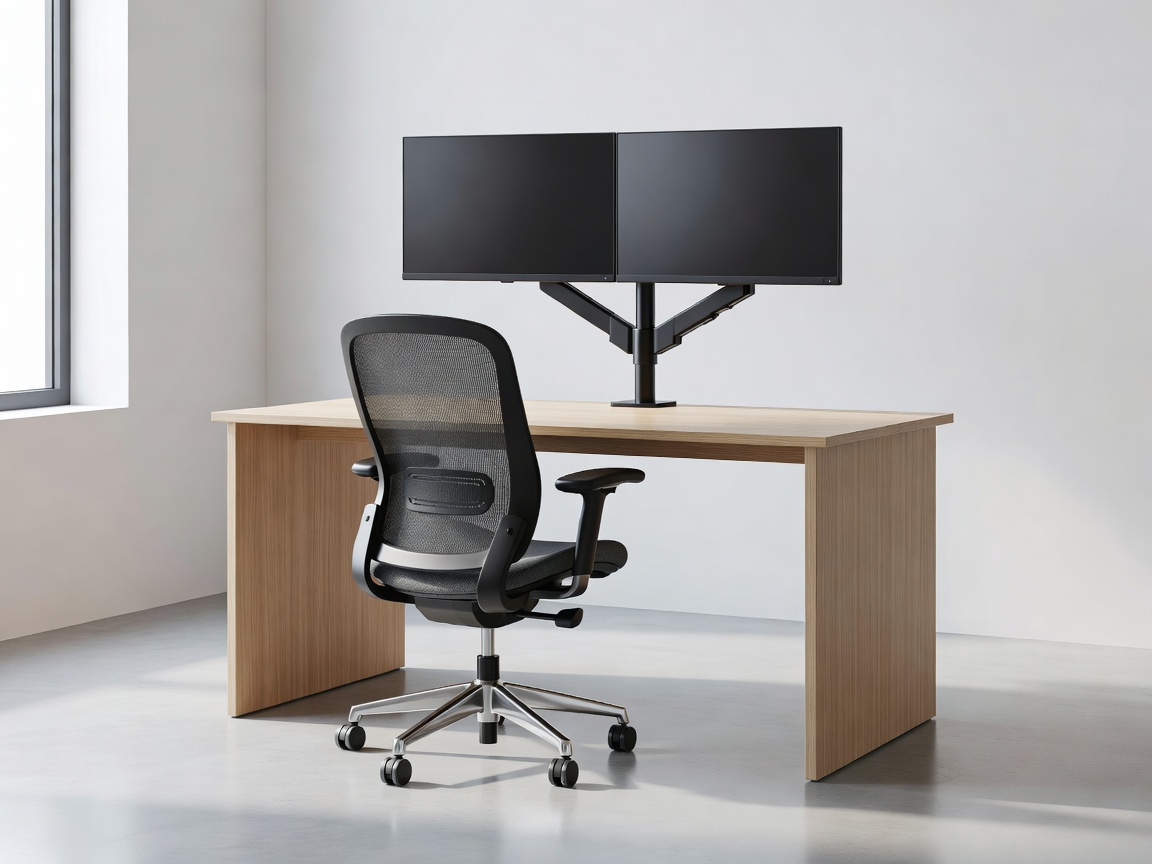
The Geometry of Placement
Focal distance is the first critical variable. A monitor should sit approximately an arm's length away, roughly 20 to 30 inches depending on panel size. Placing it too close induces eye convergence strain, while pushing it too far away causes the user to subconsciously lean forward, destroying posture.
Height is equally crucial. When seated naturally with shoulders relaxed, the user's eyes should align with the top third of the monitor. This allows the neck to remain in a neutral position while the eyes angle slightly downward to view the center and bottom of the screen. Standard monitor stands supplied in the box frequently fail to provide adequate vertical extension to achieve this geometry, especially for taller individuals.
The VESA Standard and Monitor Arms
The solution to limited adjustability is the VESA mounting interface standard. A square configuration of four threaded holes on the back of the monitor (typically 75x75mm or 100x100mm) allows for third-party mounting solutions. Discarding the factory stand in favor of a desk-mounted monitor arm is the most significant ergonomic upgrade one can perform.
Gas-Spring vs. Pole Mounts
Static pole mounts are budget-friendly and offer height adjustment, but require manual loosening of brackets to change vertical position. They are suitable for single-user desks where height rarely changes. Gas-spring (or pneumatic) arms employ internal tension cylinders that counterbalance the monitor's weight. This allows the user to raise, lower, pull, or push the monitor with mere fingertips. This dynamic adjustability is vital for sit-stand desks, allowing rapid focal realignment when transitioning between seated and standing postures.
Desk Depth Constraints
A frequently overlooked factor is the depth of the desk surface itself. Large monitors (32 inches or ultrawides) require significant push-back distance to remain within an ergonomic focal range. A standard 24-inch deep desk often proves too shallow for a 34-inch ultrawide, leading to an oppressive field of view and eye strain. When architecting a setup for large formats, a desk depth of 30 inches or more is highly recommended. If desk depth is constrained, wall-mounting via VESA brackets can reclaim crucial inches.
Viewing Angles and Panel Types
Ergonomics intersects with panel technology regarding viewing angles. TN (Twisted Nematic) panels suffer from severe color and contrast shifting if viewed from off-center angles. If a TN panel is mounted too high or tilted improperly, the visual degradation is immediate. IPS (In-Plane Switching) and OLED panels offer extremely wide viewing angles, making them far more forgiving of non-traditional placement, such as stacked vertical monitor configurations.
Conclusion
Hardware specifications often dominate the conversation, but environmental factors determine usability. An ergonomic setup relies on strict adherence to focal distances, height alignment, and dynamic adjustability through standardized VESA mounting. By designing the physical workspace around human biomechanics, users protect their health and maximize sustained focus.