Motion Clarity: High Refresh Rates
The standard 60Hz display refreshes its image 60 times per second, translating to a new frame every 16.67 milliseconds. For decades, this was sufficient for basic computing and casual media consumption. However, in the realm of competitive gaming and fast-paced motion rendering, 16.67ms represents a massive latency gap. The push for high refresh rate monitors is driven not merely by aesthetic smoothness, but by a measurable decrease in system latency and visual blurring.
The Leap to 144Hz and Beyond
Moving from 60Hz to 144Hz reduces the time between frames to just 6.94 milliseconds. The visual result is profound: moving subjects track smoothly across the screen, cursor movements feel instantly tethered to physical mouse adjustments, and the jarring stutter of fast camera pans is practically eliminated. Many competitive analysts note that the leap from 60Hz to 144Hz offers the most significant perceptual upgrade in computing.
Beyond 144Hz, the market has introduced 240Hz (4.16ms per frame) and 360Hz (2.77ms per frame) displays. The law of diminishing returns applies here. While the mathematical difference between 144Hz and 360Hz is a savings of roughly 4 milliseconds, human perception struggles to identify the leap with the same clarity as the initial jump from 60Hz. These ultra-high refresh rates are strictly the domain of professional esports athletes, where saving 4 milliseconds of visual delay can mathematically impact hit registration in twitch-based scenarios.
Pixel Response Times Explained
A high refresh rate is useless if the pixels themselves cannot change color fast enough to keep up with the new frame. This is known as Pixel Response Time, typically measured in milliseconds (Grey-to-Grey, or GtG).
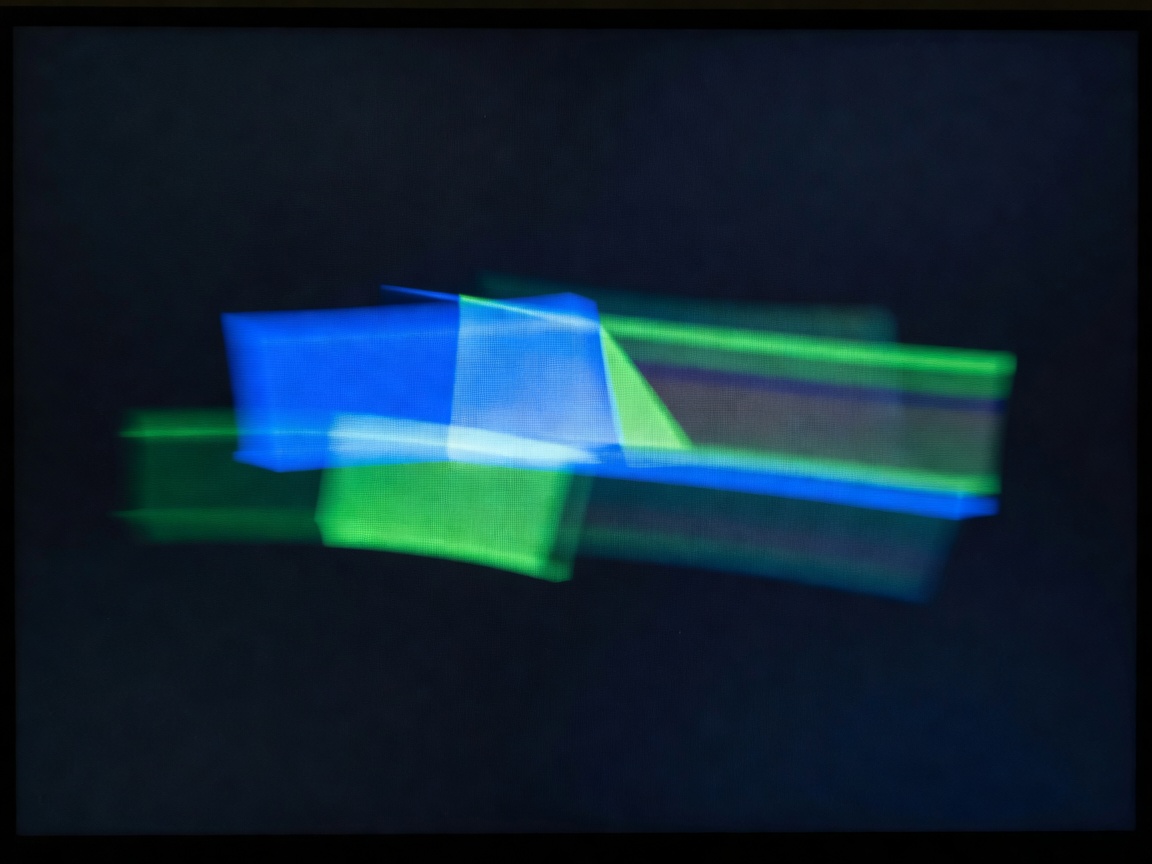
If a monitor refreshes at 144Hz (every 6.94ms) but the pixels take 10ms to transition from one shade of grey to another, the previous frame will bleed into the new frame. This creates visual artifacts known as "ghosting" or "smearing," ruining motion clarity. For a 144Hz monitor to be truly effective, it requires pixel response times reliably under 6.94ms. For 240Hz, it must be under 4.16ms.
Overdrive and Overshoot
To force liquid crystals to change states rapidly, monitor manufacturers apply extra voltage—a technique called pixel overdrive. While effective at reducing response times, applying too much voltage causes the pixel to overshoot its target color, resulting in a bright halo artifact around moving objects, termed "inverse ghosting" or "overshoot." Balancing overdrive algorithms is a key differentiator between premium gaming displays and budget alternatives.
Variable Refresh Rate (VRR)
Maintaining a constant 144 frames per second (fps) requires immense graphical processing power. When frame rates fluctuate, traditional monitors suffer from screen tearing—where the display renders portions of two different frames simultaneously. Variable Refresh Rate technologies synchronize the monitor's refresh cycle directly with the GPU's output. If the GPU outputs 92 frames in a second, the monitor adjusts to 92Hz on the fly. This ensures buttery smooth motion without tearing, even when system performance dips.
Conclusion
High refresh rate technology is no longer a niche luxury; it is the baseline standard for interactive visual mediums. Understanding the interplay between refresh frequency (Hz), pixel transition speeds (GtG), and adaptive synchronization is essential when evaluating a display for motion clarity. For most users, a well-implemented 144Hz or 165Hz panel represents the sweet spot of price and visual fluidity.